Three agents at once sounds like three times the work done. In practice it often means two of them editing the same file, one stuck on a question you haven't seen, and you copying messages between terminal tabs. What makes parallel agents work is not more terminals: it is a clear split of the work, a separate folder for each agent, and one place where you see who is doing what.
#What goes wrong
- Two agents change the same file and find out at merge time.
- An agent asks a question or a permission and waits, in a tab you aren't looking at.
- You become the router: copying one agent's answer into another's prompt.
- Nobody knows which branch holds which change.
#One view of every session
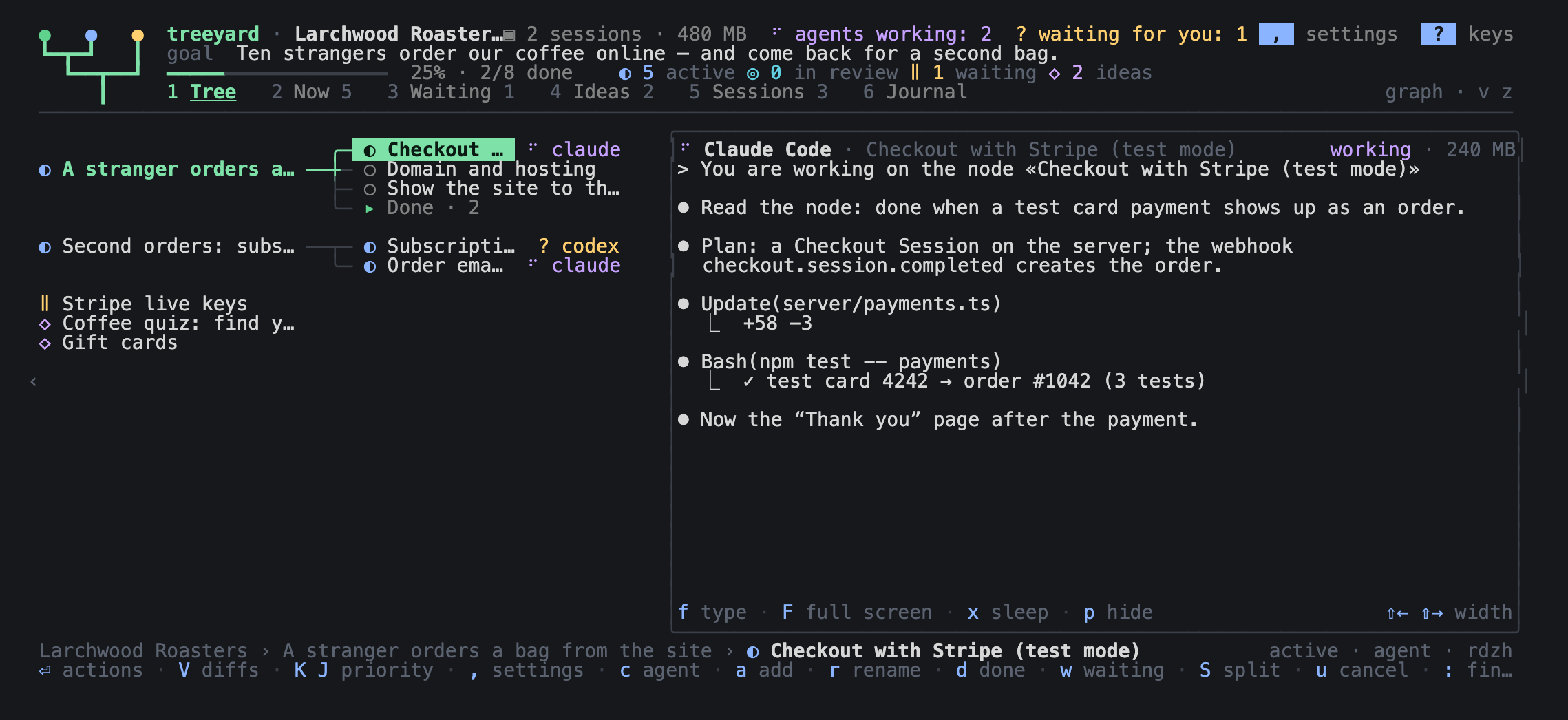
In Treeyard every session is opened from a node of the tree, so the tree itself shows who is doing what. The header counts the agents working and the ones waiting for you; each node shows its session and its state.
#A git worktree for each node
treeyard open <id> --worktree opens a session of any CLI in a git worktree of its own, on the branch treeyard/<id>. Agents don't get in each other's way in one folder, the branch's commits count as the node's commits, and there is still one tree for everyone: commands run from the worktree write to the main tree.
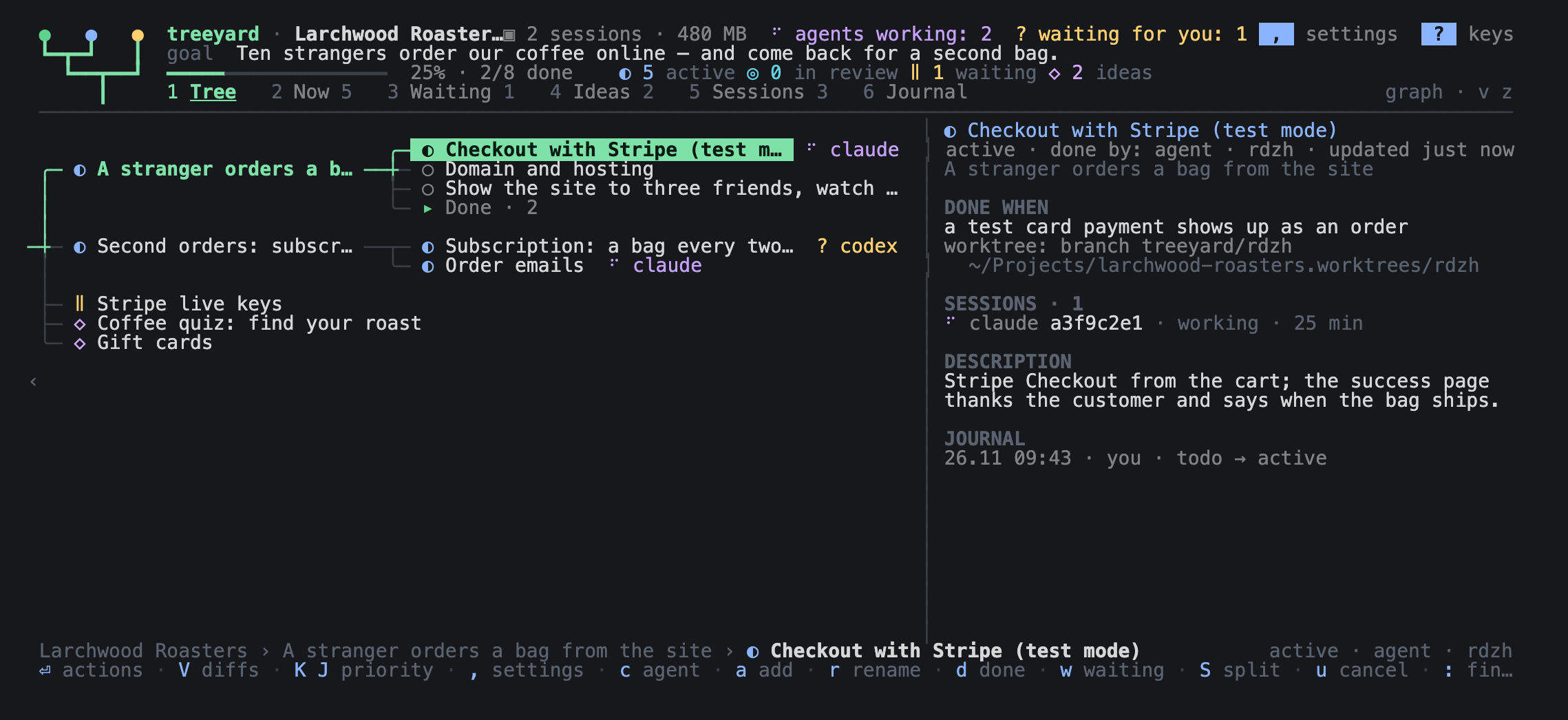
Branches that touch different nodes merge without conflicts in the tree's overview, because .tree/README.md has a merge driver of its own. treeyard worktree rm --done removes the merged worktrees of closed nodes.
#A coordinator instead of you
When there is a lot to do, one session can become the coordinator. Tell it “do the subscription branch”, and it hands the nodes to other sessions, watches them, answers their questions and accepts the work. The treeyard-coordinate skill teaches an agent this job:
Pick nodes that touch different files
So the sessions don't collide.
Open them
treeyard open a b c --pane --task "…" starts one session per node, in panes next to the tree or in the background.
Wait
treeyard wait returns when a session finishes its turn, stops to wait for you, or ends, with its last message in full.
Accept the work
By its diff and its checks, merge the branches, move the nodes to review.
For long branches there is treeyard queue: it starts a branch's nodes in turn, no more than --parallel at once. A node with needs starts only once the nodes it depends on are in review or done, and when the subscription window is nearly used up, the queue waits for it to reset. When two active nodes change the same file, wait and queue notice and tell both sessions.
#Messages between sessions
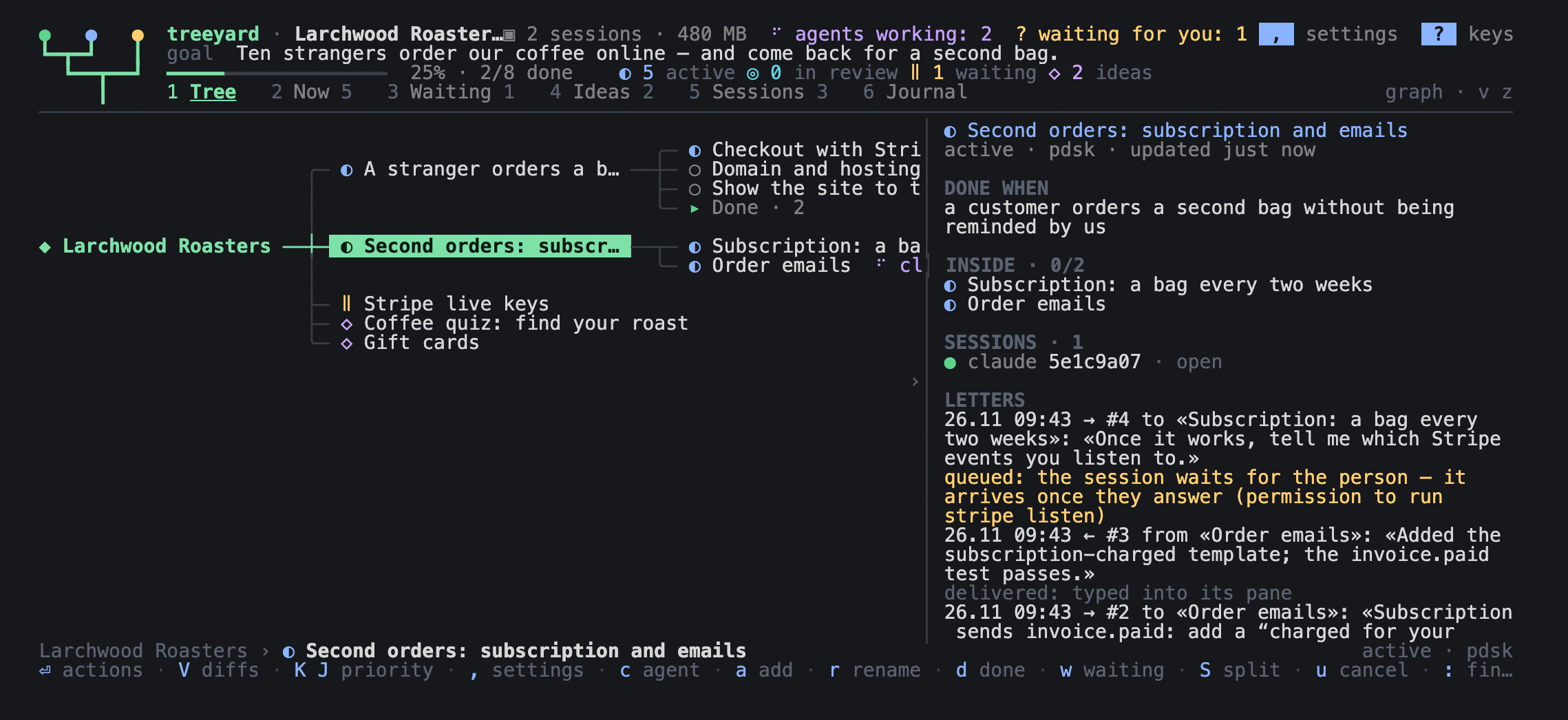
treeyard send <node> "…" writes to the node's session that is already open, instead of starting a new one. A free session gets the message at once, a sleeping one wakes up, a busy one gets it after its turn. With a hook installed it arrives even mid‑turn, between two tool calls.
treeyard open a b c --pane --task "…"     # three sessions, one per node
treeyard open <id> --worktree             # a session in the node's own worktree
treeyard wait --all                       # until every node's session stops
treeyard send <node> "…" --wait           # a message, and wait for the answer
treeyard queue <id> --pane --parallel 2   # a branch's nodes, two at a time
Questions
Can I mix CLIs?
send reaches any of them.Do I need tmux?
How many agents at once?
queue --parallel puts a cap on it.