An agent will happily start coding from a one‑line idea. The trouble starts a week later, when nobody, you included, can say what “finished” means. A better first session doesn't write code at all: it turns what's in your head into a goal, a first result you can check in real life, and the tasks on the way there.
#Why not just start coding
Code written before the goal is clear tends to be code for a different project. You end up with a working login, a settings page and a dark theme, and still no answer to “who will use this, and when will I know it works?”. A plan doesn't have to be long. It has to say where you are going and what the next checkable step is.
#Planting a tree with an agent
In Treeyard the first run in a folder with no tree opens the planting wizard. You can plant from a template on your own, or with an agent:
Tell it everything
In an empty folder the agent asks you to say what you think about the project, the way it comes: plain text, in any order.
Answer its questions
The agent asks and offers its own answer to each question. You correct it and add what it missed.
Agree on the goal and the first milestone
A goal from real life and the first result you can check: “a stranger orders a bag on the site”, not “the backend is ready”.
Get the tree
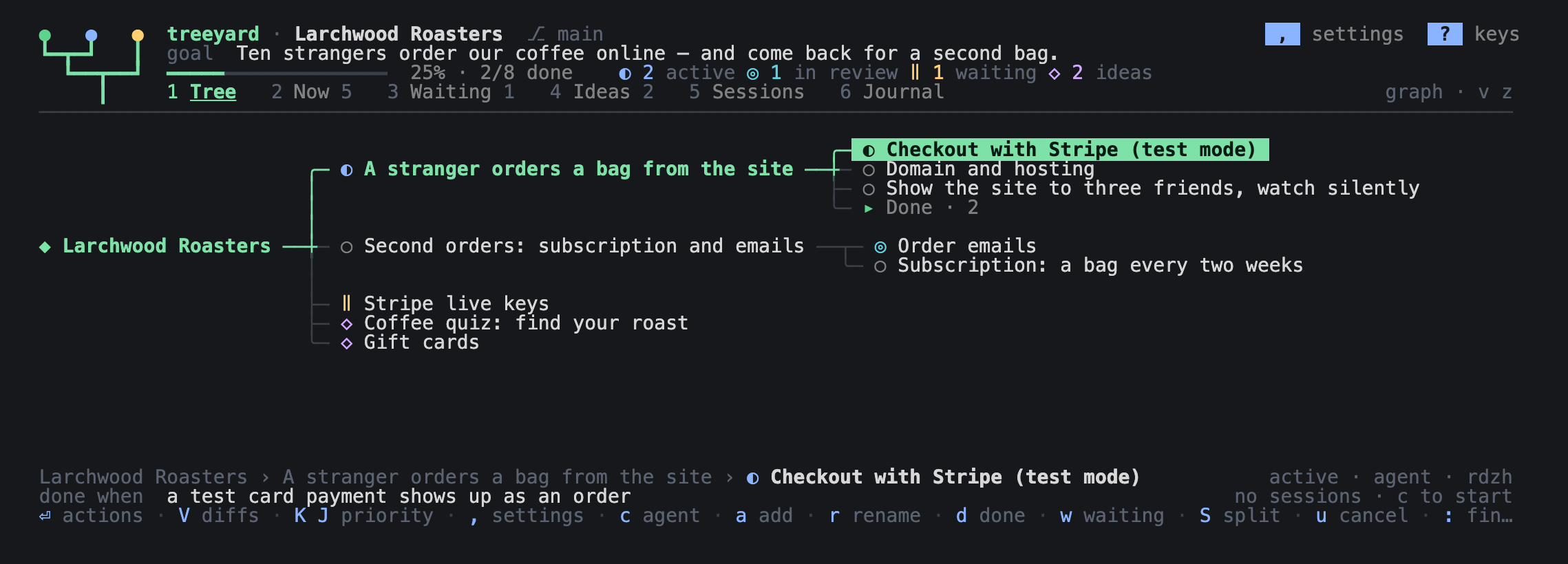
Branches, tasks with a “done when”, your own steps, what blocks what, ideas for later. The agent writes it only after your “yes”.
#A project that already exists
Run treeyard in the project's folder. The agent reads the code, the documents and the history on its own, then tells you what it found: what really works, what was promised and never done, where the loose ends are. After a few questions it builds a tree of the project as it is.
If the project already has a plan in a file, treeyard import has an agent read it quietly and turn it into a tree.
npm install -g @antondanv/treeyard
cd my-project && treeyard                  # no tree yet: the planting wizard
treeyard init --agent --brain codex        # straight to the agent, no wizard
treeyard import # build the tree from the project's plan#Plan first, then code, for every task
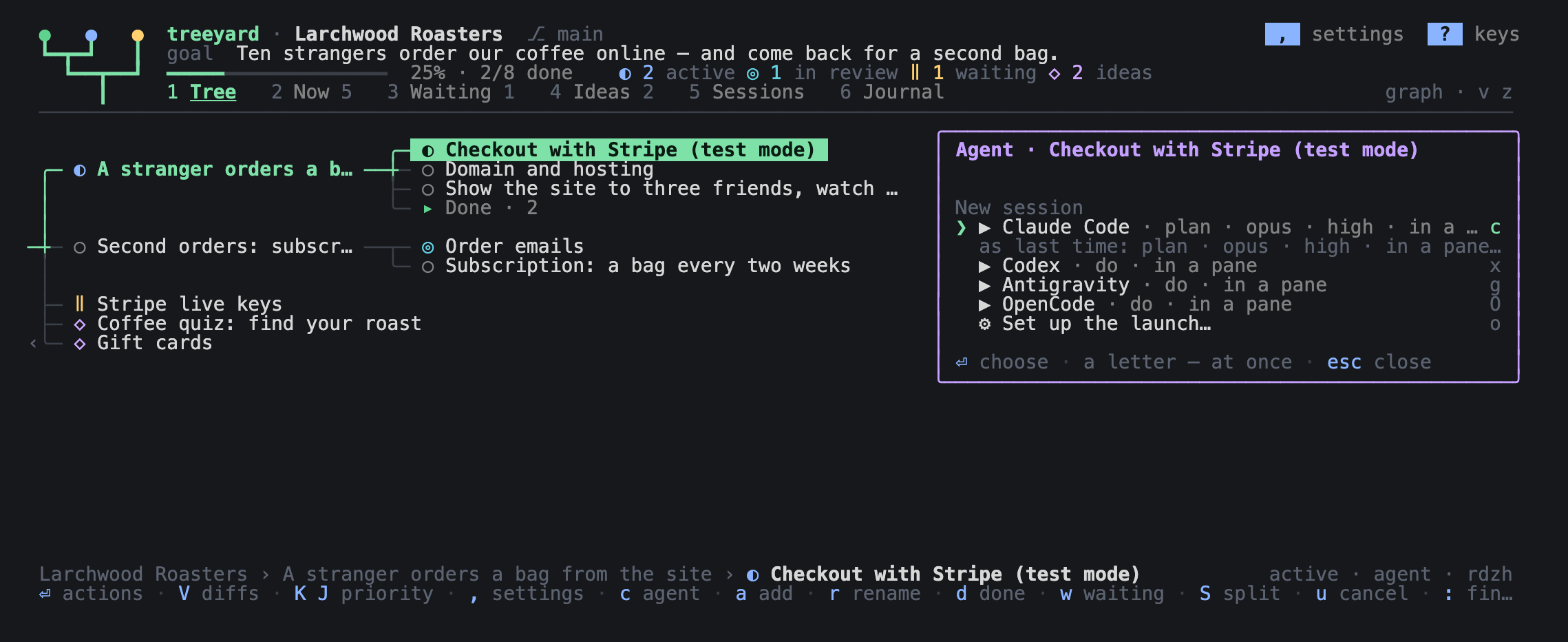
The same idea works below the root. When a task isn't clear yet, start its session with “plan”: Claude Code opens in plan mode, OpenCode with its plan agent, and nothing is edited until you agree. Explore, then plan, then code. A mistake caught in the plan is cheap; a mistake caught in code already written is not.
Questions